May 11, 2006
Anisotropy with Maxwell Render
Anisotropy をやってみた。
モデルは Cheetah3D から、読み込んだ時点でたまに Normal が狂っている場合があるので、Recalc normals で修正。 MXM ライブラリーから、アルミと銅を読み込んで attenuation distance / ND を調整、 anisotropy を100に、angle にテクスチャを設定。
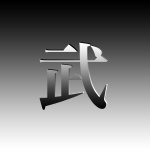
使ったテクスチャはこれ。



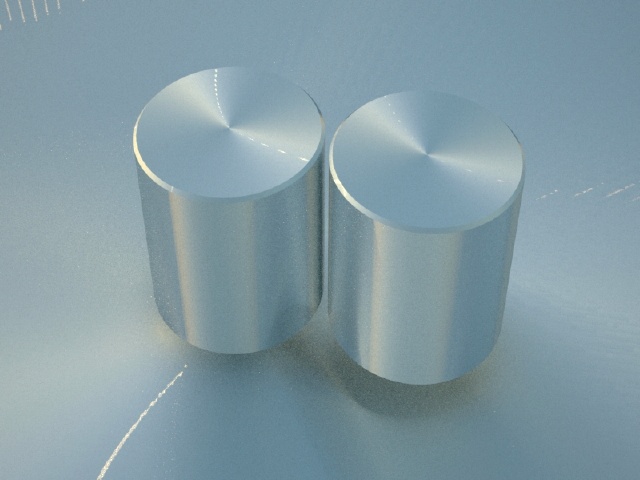
円筒形
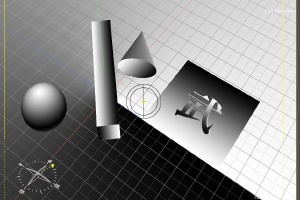
Studio 上で貼った状態を確認
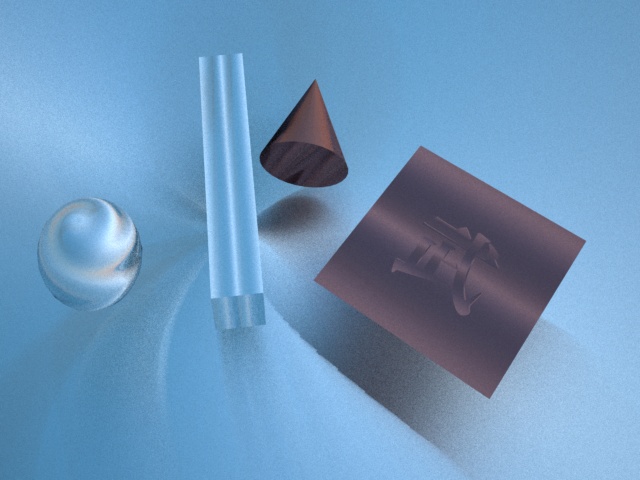
Rendering: Maxwell Render 1.0
ちょっと円錐が思った感じにならなかった。それにしても、マルチライトはほんと便利やね。


Comment
No Comments